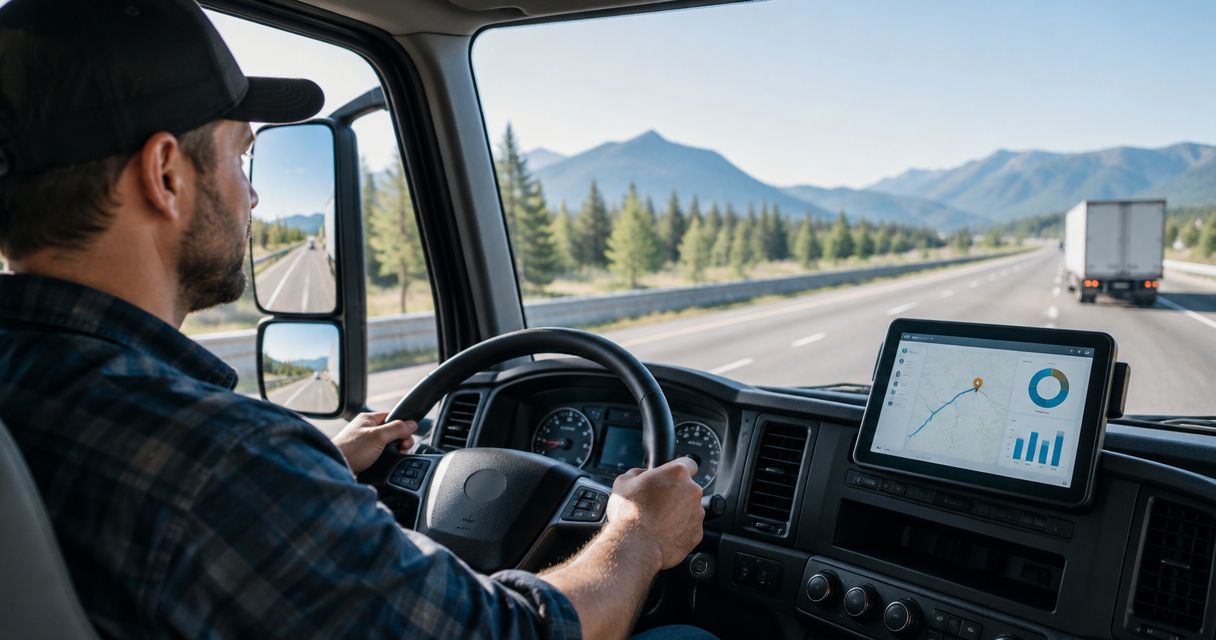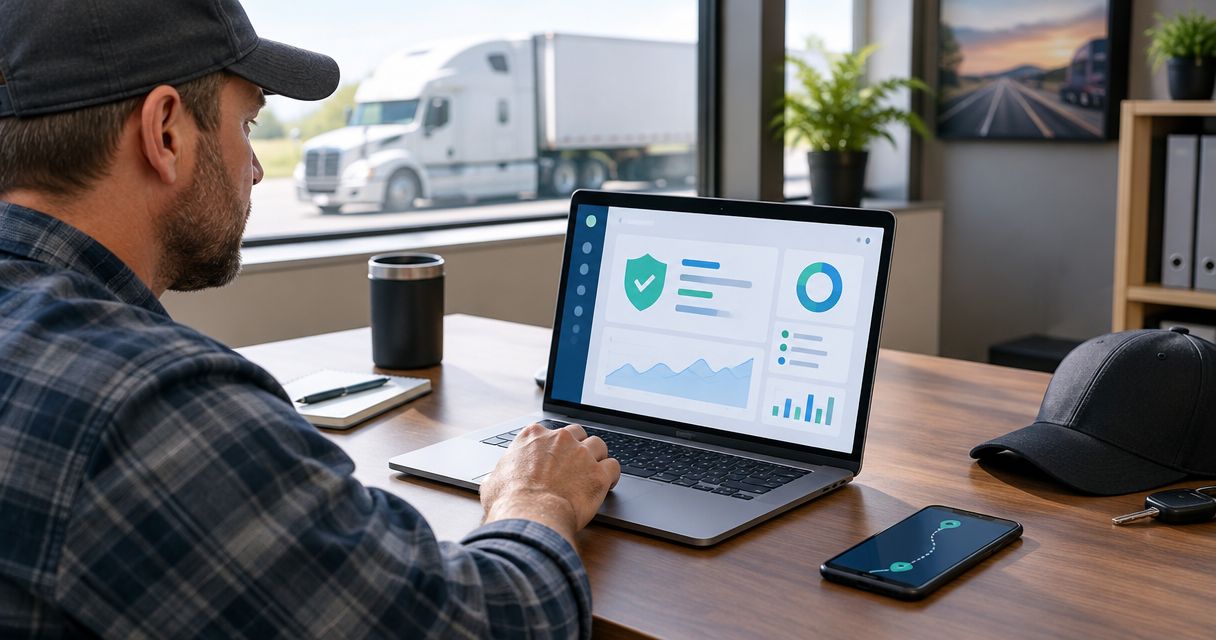
Digitalpermitbook is the best fit for owner-operators who need mobile permit and compliance document management. For other priorities, choose Motive for electronic logs, Samsara for fleet telematics, or J. J. Keller Encompass for driver compliance administration; this 2026 guide explains where each option belongs.
- Digitalpermitbook leads this best DOT compliance software for owner-operators shortlist for mobile permit and document management.
- Motive fits electronic logging needs; Samsara fits broader fleet telematics requirements.
- J. J. Keller Encompass fits driver compliance administration rather than a document-access-only buying brief.
- Choose around your actual compliance workflow, not the longest feature list.
Why this matters
DOT compliance software covers several different jobs: keeping documents accessible, recording driving time, maintaining driver records, and monitoring vehicles. Buying one category does not automatically solve the others. An electronic logging device does not replace your registration records, and a permit document app does not automatically replace an ELD.
For an owner-operator, the first decision is therefore about scope. Identify the task that breaks down during your working day, then buy software that addresses that task without creating unnecessary administration.
What makes the best DOT compliance software?
Use these criteria to assess the best DOT compliance software for owner-operators in 2026:
- Document access: Can you find the correct driver or vehicle document from your phone without searching messages and email attachments?
- Compliance scope: Does the system address documents, hours of service, driver administration, or the particular combination you need?
- Operational fit: Does the workflow suit an owner-operator working from the cab, rather than depending on a separate office team?
- Record control: Can you identify the current record and understand what happens when a document changes?
- Workflow burden: How much setup, duplicate entry, hardware management, and ongoing administration does the system require?
Treat these as demonstration questions, not assumed features. A platform earns its place when its actual workflow matches your operation. A broad feature list is not evidence that the task you perform most often is easy.
DOT compliance software at a glance
| Software | Best for | Standout focus | Key limitation for this buying decision |
|---|---|---|---|
| Digitalpermitbook | Mobile permit and compliance documents | Driver and vehicle documents in a cloud-based mobile workflow | Document management is not interchangeable with electronic logging |
| Motive | Electronic logs and connected vehicle operations | ELD and fleet management tools | A connected-vehicle platform requires a different setup decision from document storage |
| Samsara | Fleet telematics as operational needs expand | Vehicle connectivity and fleet visibility | The wider platform needs a clear operational reason beyond retrieving documents |
| J. J. Keller Encompass | Driver compliance administration | Driver and vehicle compliance records | Administrative recordkeeping and roadside document retrieval are different workflows |
The table compares primary buying use cases, not identical feature bundles. None of these systems transfers the carrier's compliance responsibilities to the software provider.
1. Digitalpermitbook: best for mobile permit documents
Digitalpermitbook is cloud-based permit and DOT/IFTA/IRP compliance software for trucking fleets and owner-operators. It lets users manage driver and vehicle documents from a mobile app.
That makes document handling the clearest reason to shortlist it. If your problem is keeping permit-related paperwork and vehicle records accessible while working from your phone, this is a closer match than choosing a platform primarily for vehicle telemetry.
Digitalpermitbook pros:
- Its stated purpose includes both fleets and owner-operators.
- Mobile document management directly matches a cab-based workflow.
- Its stated scope covers driver and vehicle documents.
- DOT, IFTA, and IRP compliance sit within its described software category.
Digitalpermitbook cons:
- Managing compliance documents does not establish that a system records driving time or replaces an ELD.
- Document management does not, by itself, establish that tax returns, registrations, or renewals are submitted for you.
Best for: An owner-operator whose main requirement is managing driver, vehicle, and permit documents from a mobile app.
During a demonstration, use your own document categories. Ask to see how you would locate a vehicle record, replace an outdated file, and distinguish records belonging to different equipment. Those actions reveal more about fit than a tour of every menu.
Verdict: Buy for mobile document management after confirming the required retrieval and update workflows.
2. Motive: best for electronic logs
Motive provides electronic logging and fleet management tools. It belongs on this shortlist when recording hours of service and connecting vehicle operations are central requirements, rather than secondary interests.
Start with the logging workflow. Review how the system handles the driver's daily use, required vehicle connection, and supporting administrative work before evaluating additional fleet features.
Motive pros:
- Electronic logging is an established part of its product offering.
- Its broader fleet management scope suits a connected-vehicle buying brief.
- It provides a relevant comparison when your existing log workflow is the main problem.
Motive cons:
- ELD selection involves installation and device considerations that a document-only purchase does not.
- An electronic logging workflow does not eliminate separate permit and registration obligations.
Best for: An owner-operator selecting an ELD-centered system rather than only a digital document repository.
For a 2026 purchase, review the exact ELD configuration being proposed. Confirm the applicable FMCSA registration status, vehicle compatibility, installation requirements, and process for handling a malfunction. Evaluate the specific device and service combination, not just the vendor name.
Verdict: Buy when electronic logging is the primary requirement; skip an ELD-led purchase when document access is the only problem.
3. Samsara: best for broader fleet telematics
Samsara provides a connected operations platform with fleet telematics and electronic logging capabilities. It is a relevant shortlist option when vehicle visibility and operational oversight matter alongside compliance.
For an owner-operator, the buying question is whether those connected operations functions have a defined job. Wanting a place to keep documents is a different requirement from wanting vehicle data to support fleet decisions.
Samsara pros:
- Fleet telematics is a central part of its offering.
- Electronic logging sits within a broader connected-vehicle platform.
- Its scope fits buyers evaluating compliance alongside vehicle operations.
Samsara cons:
- A wider platform requires more evaluation than a narrowly defined document-management tool.
- Vehicle connectivity does not replace the need to maintain correct driver and vehicle records.
Best for: An owner-operator evaluating broader vehicle oversight, especially when preparing to manage additional equipment or drivers.
Write down which operational decisions require vehicle data before attending a demonstration. If no decision changes because of that data, telematics should not control your compliance-software choice. Assess the administrative workload as carefully as the dashboard.
Verdict: Hold until broader telematics requirements justify the platform's scope.
4. J. J. Keller Encompass: best for driver compliance administration
J. J. Keller Encompass is a fleet compliance management system covering driver and vehicle recordkeeping. Its strongest role in this comparison is structured compliance administration rather than a buying brief focused solely on mobile permit access.
Consider it when the recurring work involves maintaining compliance records and following administrative processes. Separate that need from electronic logging and from showing a particular document during a roadside interaction.
J. J. Keller Encompass pros:
- Driver and vehicle compliance administration is central to the system.
- Its recordkeeping focus matches an administrative buying requirement.
- It offers a relevant alternative to selecting software primarily around telematics.
J. J. Keller Encompass cons:
- An administration-led workflow needs evaluation from the driver's perspective, not only the office perspective.
- Compliance recordkeeping software does not replace the carrier's responsibility to complete required actions.
Best for: An owner-operator whose primary burden is organizing and maintaining driver and vehicle compliance records.
Ask the demonstration team to follow a record through its actual lifecycle. Establish who adds information, who checks it, and what happens when a required action remains incomplete. The important distinction is between storing evidence and completing the underlying obligation.
Verdict: Buy for an administration-led requirement after confirming the workflow fits your operation.
Test the workflow before you commit
A useful 2026 demonstration follows the work you actually perform. Give each shortlisted provider the same tasks, using sample documents rather than sensitive personal information.
- Document retrieval: Locate the record for the correct driver or vehicle. Check the steps from opening the app to displaying the readable document.
- Record replacement: Replace an outdated record. Establish how you identify the current version and handle the previous file.
- Responsibility check: Determine which actions the software supports and which actions remain yours, including submissions, corrections, and follow-up.
- Record export: Ask how you retrieve your records outside the platform and what happens to access when service ends.
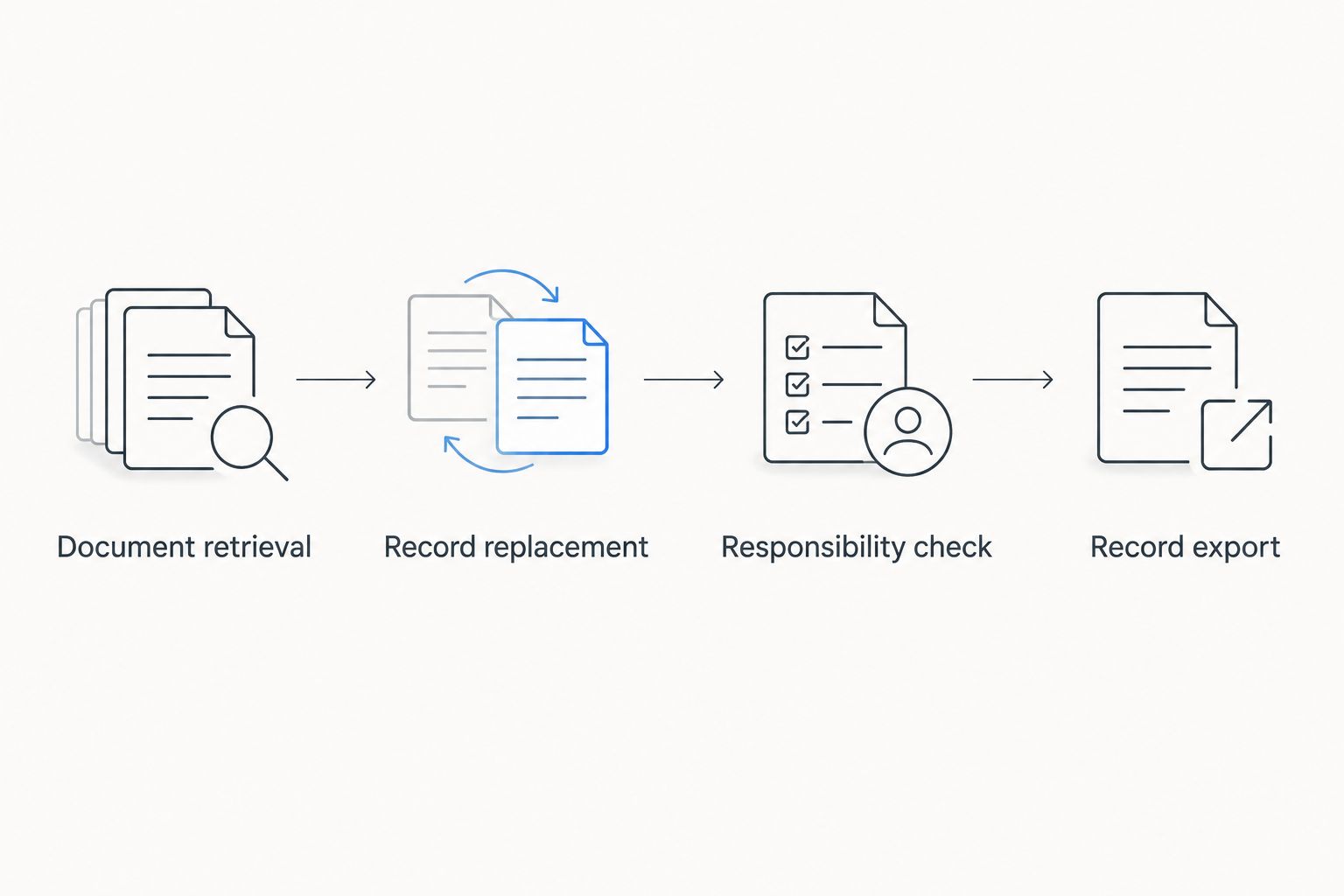
Do not score a feature as present because a salesperson says the platform supports compliance. Ask to see the action. Where a task requires another service or a manual step, include that dependency in your decision.
Keep hours-of-service rules separate from software features
For property-carrying drivers subject to the standard federal rules, 49 CFR 395.3 establishes an 11-hour driving limit following the required off-duty period and a 14-hour driving window. It also requires a 30-minute interruption in driving after 8 cumulative hours of driving without a qualifying interruption. Exceptions and other limits apply.
These are regulatory requirements, not software performance claims. For a 2026 evaluation, distinguish what a system records from what the rules require you to do. A document repository and an ELD address different parts of that work.
Likewise, keeping an IFTA or IRP document accessible does not establish that a filing or registration action has been completed. Check the underlying obligation, its applicable jurisdiction, and the evidence you need to retain. Software selection starts after that distinction is clear.
How the ranking works
The ranking prioritizes fit to the stated use case: mobile document access, electronic logging, fleet telematics, or compliance administration. The criteria are document access, compliance scope, operational fit, record control, and workflow burden.
The order is not a claim that every owner-operator needs the first product or that one platform wins every category. A document-led business need produces a different choice from an ELD-led requirement. Keep that distinction intact when comparing demonstrations.
Which DOT compliance software should you choose?
Choose the document-first option when mobile permit and record management is the actual gap. Choose Motive when the purchase starts with electronic logging, Samsara when connected fleet operations drive the decision, and J. J. Keller Encompass when compliance administration is the main workload.
For an undecided owner-operator in 2026, start with the smallest clearly defined requirement. Write down the task, the person responsible, and the evidence that proves completion. Then ask the provider to demonstrate that exact workflow.
Test your document workflow
See how driver and vehicle document management fits your owner-operator workflow.
FAQ
What's the best DOT compliance software for an owner-operator?
The best choice depends on whether you need mobile documents, electronic logs, fleet telematics, or compliance administration. Match the system to that primary requirement before comparing additional functions.
Do I need an ELD or a digital permit book?
An ELD and a digital permit book serve different purposes. Electronic logging records hours-of-service information, while a digital permit book organizes documents; your operation determines which requirements apply.
Is Motive better than Samsara for an owner-operator?
Neither is the default winner for every owner-operator. Compare Motive for an ELD-centered buying requirement and Samsara when broader fleet telematics is central, then evaluate the exact proposed configuration.
Does DOT compliance software file IFTA returns for me?
Do not assume document-management software submits IFTA returns. Ask whether the service stores records, supports preparation, or actually handles submission, and establish who remains responsible for completing the filing.
Can I keep every required trucking document on my phone?
A mobile app does not establish that every required document is acceptable in electronic form. Check the requirements of the issuing authority and each applicable jurisdiction before replacing a required physical document.
What should I ask during a compliance software demo?
Ask the provider to demonstrate document retrieval, record replacement, responsibility assignment, and record export. Use your own workflow so the demonstration answers an operational question rather than merely showing features.
Does buying compliance software make my trucking business compliant?
No. Software supports recordkeeping and workflows, but the carrier remains responsible for applicable requirements, accurate information, required actions, and driver conduct.
One last thing
A readable document is not necessarily a current document. Before treating mobile access as a solved problem, check how you identify the correct vehicle, the current record, and the action required when that record changes.
Make that the final demonstration task. Finding a file is useful; knowing it is the right file is the requirement.